
Free while you bring your own API key

Ask any page a question.

Highlight a passage to explain or translate it, or open the panel and ask anything about the page — without leaving the tab.

Works in Chrome and Edge. No account needed to start.

How it works

Highlight, then ask.

  1. 1

    Highlight text

    Select any passage and a small toolbar appears — Explain, Summarize, Translate, Improve, or Ask.

  2. 2

    Pick an action

    One tap answers about just that passage. No copy-paste, no scraping the whole page.

  3. 3

    Read the answer

    Answers stream back over the page, formulas and all. Or open the panel and type your own question.

Built to stay out of the way.

No dashboard to learn, no content to upload. The page is already open — that is the whole context.

Highlight to ask

Select text and a toolbar appears — Explain, Summarize, Translate, Improve, or Ask. Drag to reorder the buttons, or add your own. A right-click menu and keyboard shortcuts work too.

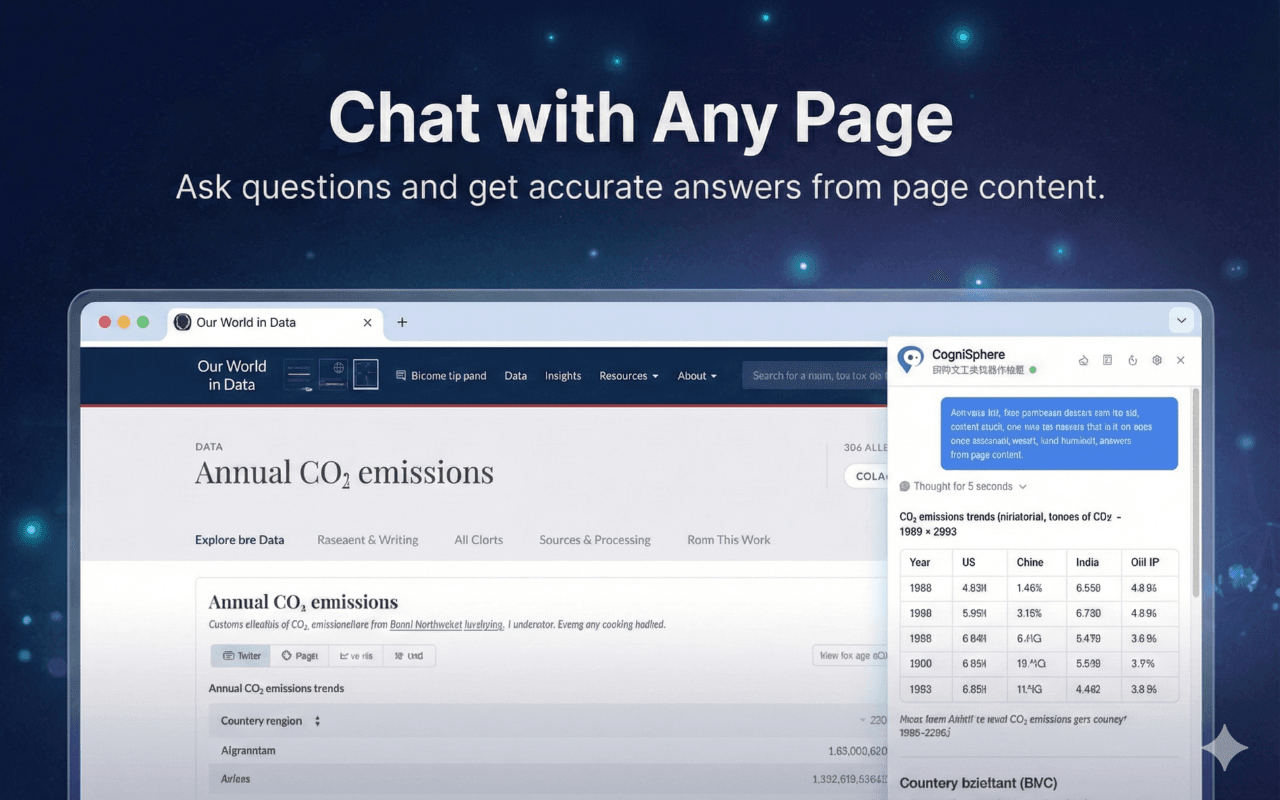
Any page, any question

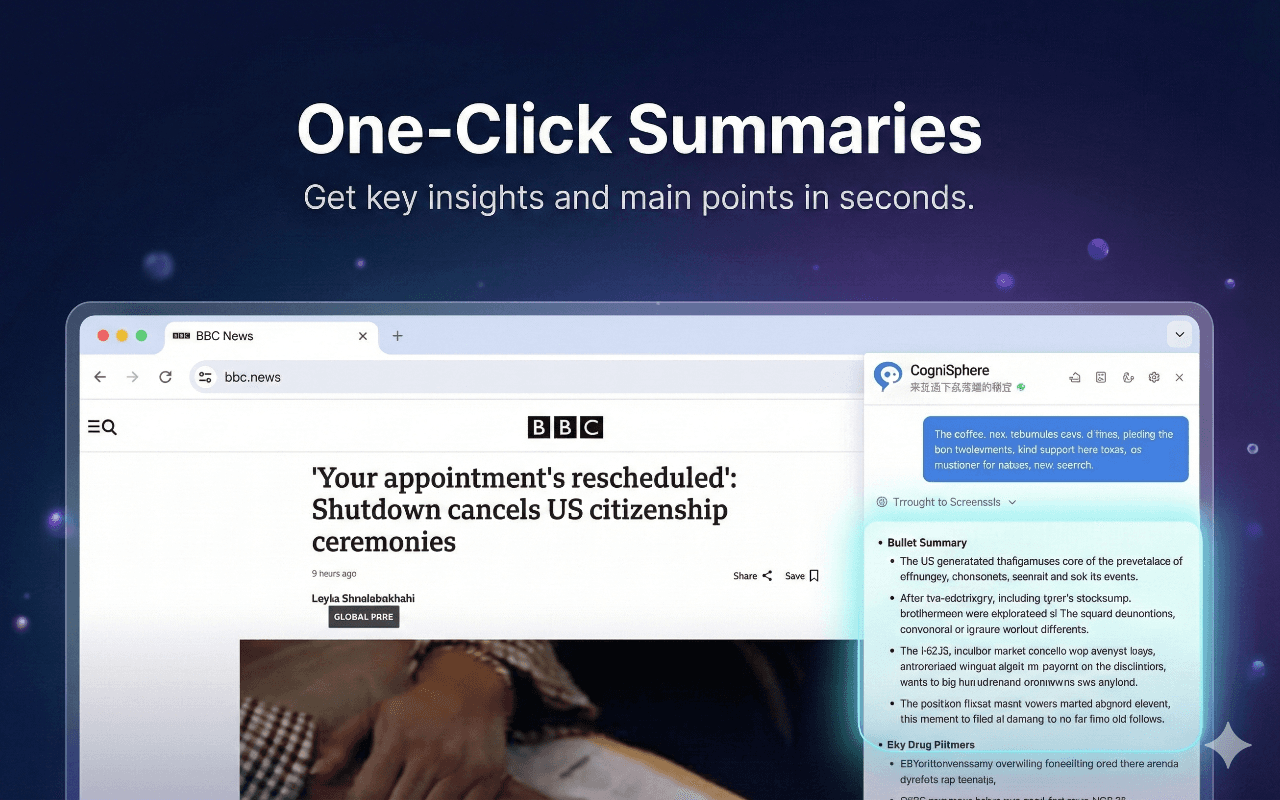
Articles, docs, papers, PDFs, even YouTube transcripts. Summarize the whole page or ask about a single line.

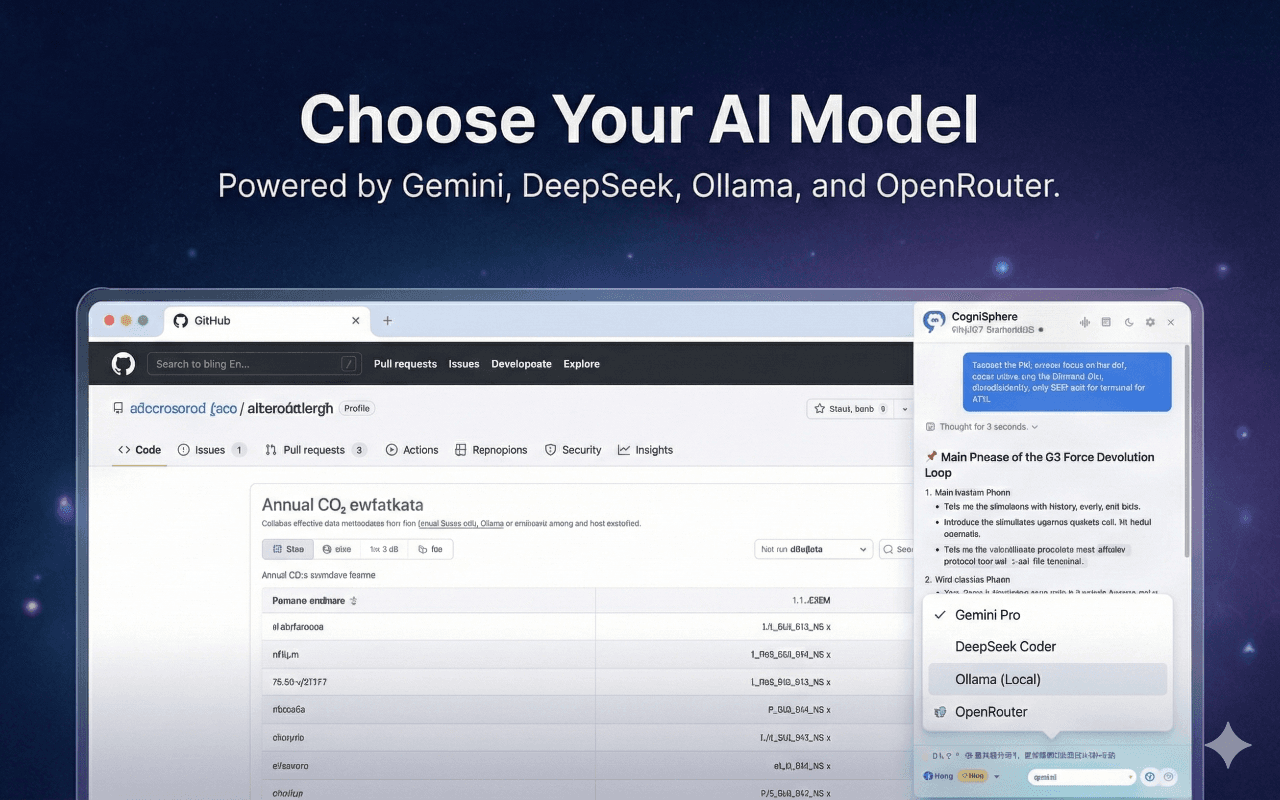
Your choice of model

Bring a key from Gemini, OpenAI, Claude, DeepSeek, Grok, or OpenRouter, or run an Ollama model on your own machine. On Chrome 138+ you can also use the built-in on-device AI with no key. Switch whenever you want.

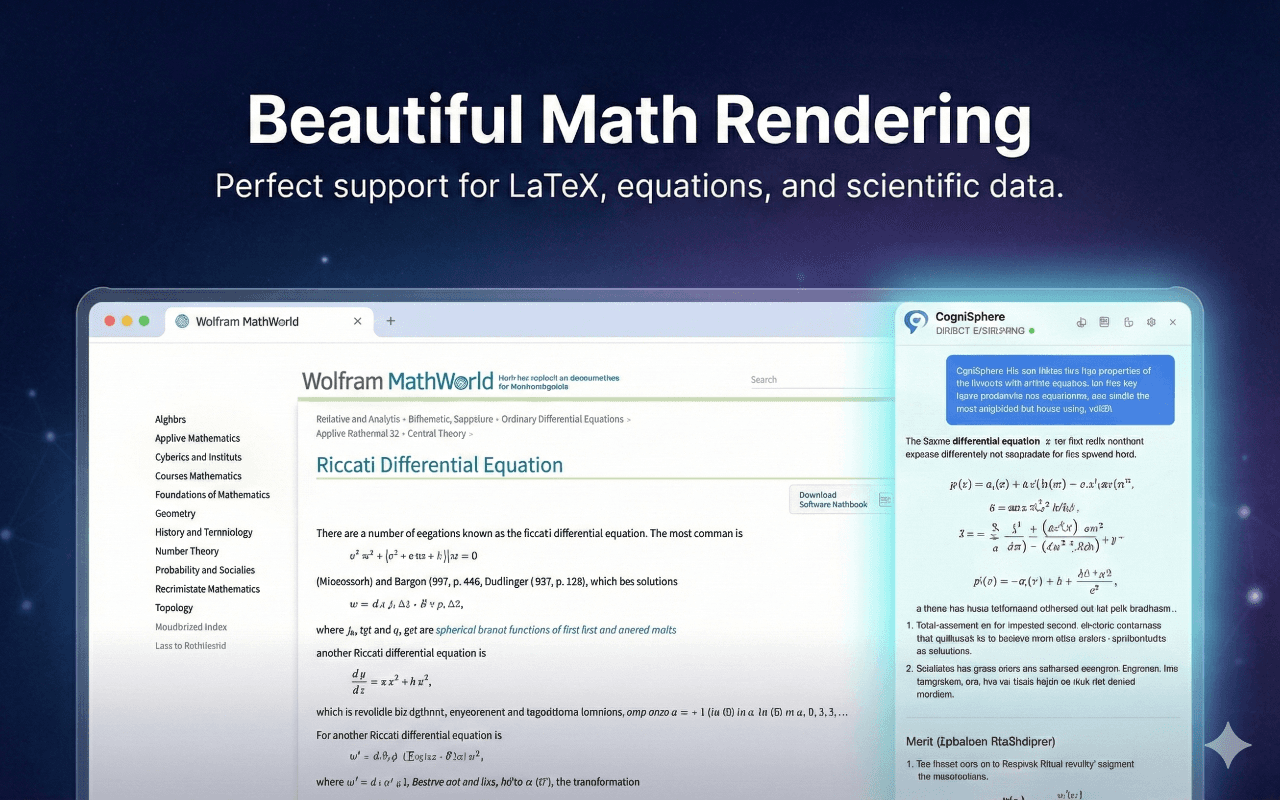
Math that renders

LaTeX is typeset with KaTeX instead of dumped as raw markup — useful on papers and course notes.

Private by design

No CogniSphere AI service. Your key lives in your browser and pages go straight to your provider — never to us. With on-device AI they never leave your machine at all.

Stays out of the way

A side panel over the page you are reading — nothing to upload, no dashboard to learn. Set the selection toolbar to always, modifier-only, or off.

Privacy

Your key. Your browser. Your data.

CogniSphere has no AI service of its own. You supply an API key and the extension talks to that provider directly from your browser — or use Chrome's built-in AI, and your page never leaves the machine at all.

What we never receive

  • Your API keys — stored in browser storage only
  • The pages you visit
  • Your questions or the answers

What an account is for

Only to sync your settings across devices and to attach a Pro plan if you choose to support the project.

The extension works fully signed out.

Free to use. Paid to support.

Every feature is free. Pro exists so the project has funding — it adds account perks, not capabilities.

Free

$0forever

Everything CogniSphere does today, at no cost.

  • Full webpage analysis and Q&A
  • Bring your own API key
  • Gemini, DeepSeek, OpenRouter, Ollama
  • Keys stay on your device

Compare the plans on the pricing page.